ToolboxCraft
Eternal Printing Of The Spotless Kind
Capable of plotting, cutting and engraving.
Turn your 3D printer into a fully fledged crafting machine.
In different materials and from different sources.
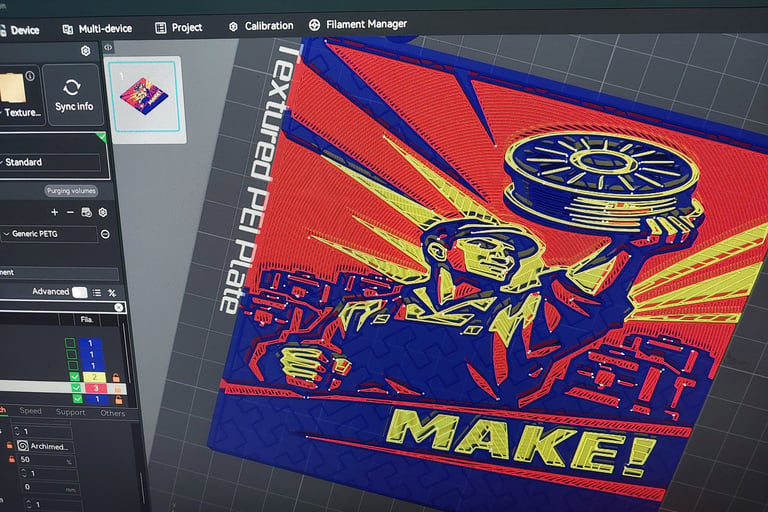
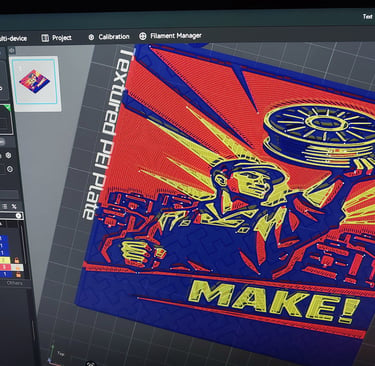
The ToolboxCraft.... processes the output generated by your slicer software and combines it with custom procedures to queue multiple prints.
Makerworld: https://makerworld.com/en/models/2977005-harvestsoon-toolbox-craft#profileId-3339609 or
Makeronline: https://www.makeronline.com/en/model/ToolboxCraft/311970.html
This project is in early development stage, see below some videos showing its potential.
Usage instructions
Download and install the Toolbox in your desired folder (eg. C:\Toolbox\Craft)
You can create a project using the Toolbox configuration options and then send to printer via your slicer software.
You can also use your slicer software to create a project (ie. loading stl or svg files). Only the first layer will be used.
Detailed usage instructions included with the download file.
Included in this kit, there's a sampleProjects.cfg with a few projects to get you started. Here's how to get started:
HarvestSoonToolboxCraft.exe verbose preview zMinMax=0.4#4 profile="./profiles/AnyKobraX.cfg" project="./sampleProjects.cfg"
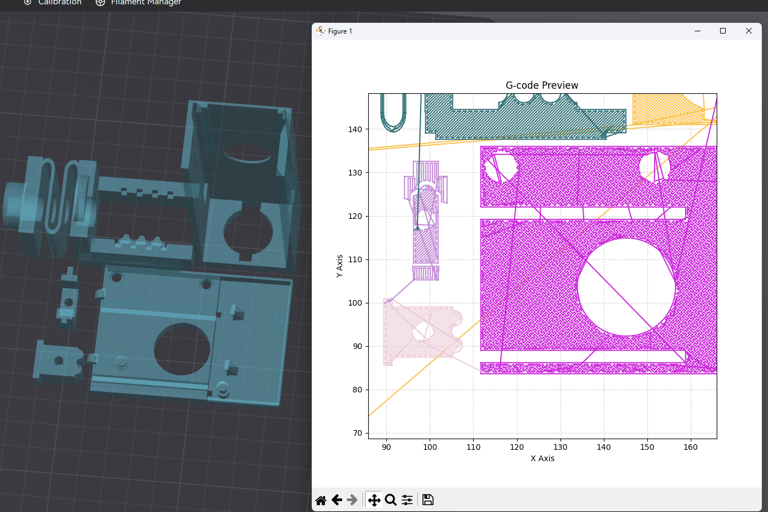


Harvest Soon
3D Printing Solutions
xavier@harvestsoon.xyz
© 2025. All rights reserved.