ToolboxBatch
Eternal Printing Of The Spotless Kind
Queue multiple printing jobs within your slicer
Worry free continuous printing configuration
Schedule print start /end time
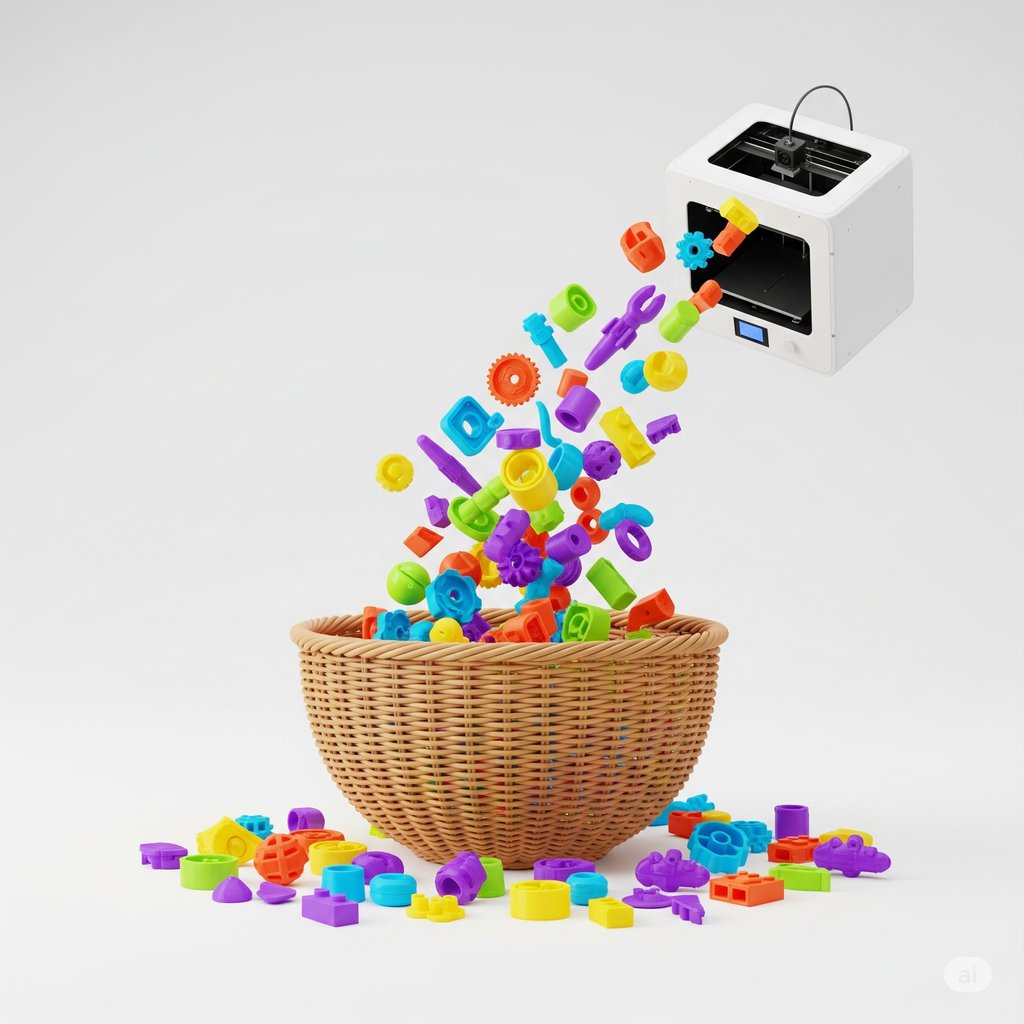
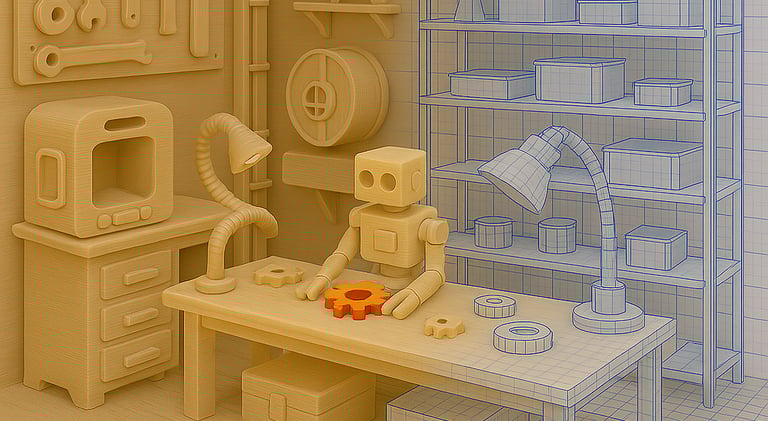
Need to print many batches? You can print and repeat!
Have a big project that prints in multiple plates? Send them all at once!
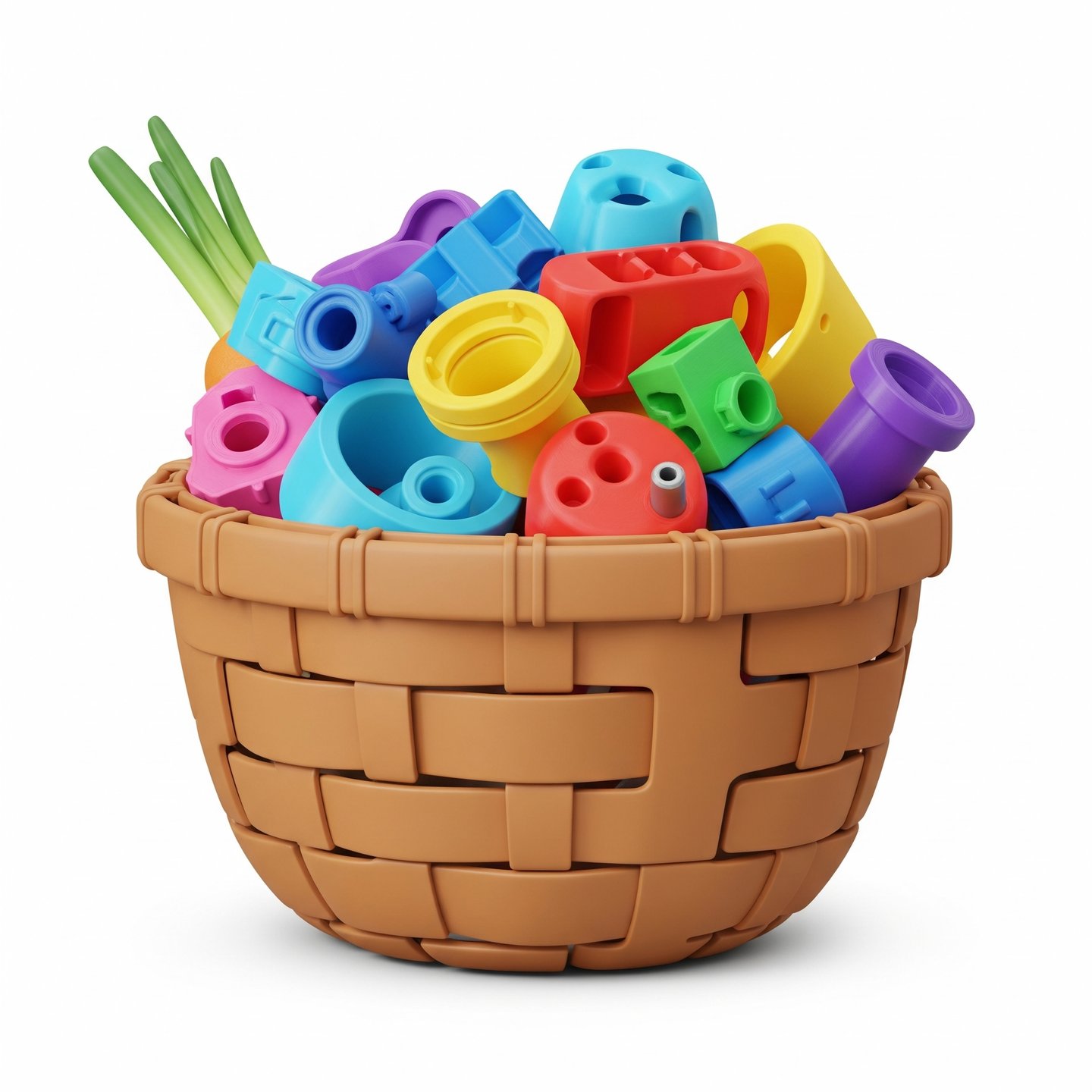
Can't find a third catchy phrase? ohh, look at this large button...
The ToolboxBatch processes the output generated by your slicer software and combines it with custom procedures to queue multiple prints.
It can also schedule printing to start or end at a given time.
Check out the Makerworld project at https://makerworld.com/en/models/1604116-harvestsoon-toolbox-batch#profileId-1691288
Along with the software comes a set of parts to improve the automated extraction mechanism (Work In Progress). A replacement front cover, several bumper accessories that can be attached to the front cover and an optional tilted base.
The bumpers are a great way to finetune the extraction method for different prints. Use the included ones or make your own to perfectly match your print queue!
Usage instructions
Download and install the Toolbox in your desired folder (eg. C:\Toolbox\Batch)
Open a new project (or use the Tetrominoes Batch Test available at Makerworld).
Add the following to Global > Other > Post-Processing Scripts:
C:\Toolbox\Batch\HarvestSoonToolboxBatch.exe addPlate
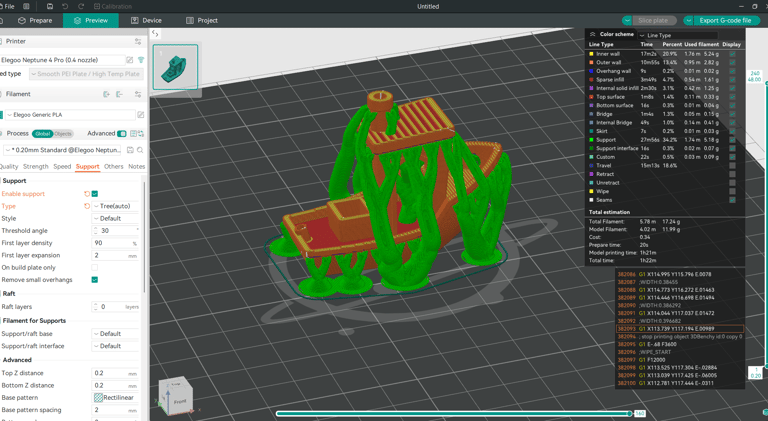
Add a part to print and slice it. The Toolbox will add it to the queue.
Swap to a different part to print and slice. Repeat until the last one, where you will change the parameter for batching to 'finish':
C:\Toolbox\Batch\HarvestSoonToolboxBatch.exe finish
This will merge all plates and prepare for print with pauses in between. Slice and sent to print now.
Detailed usage instructions included with the download file.


Harvest Soon
3D Printing Solutions
xavier@harvestsoon.xyz
© 2025. All rights reserved.